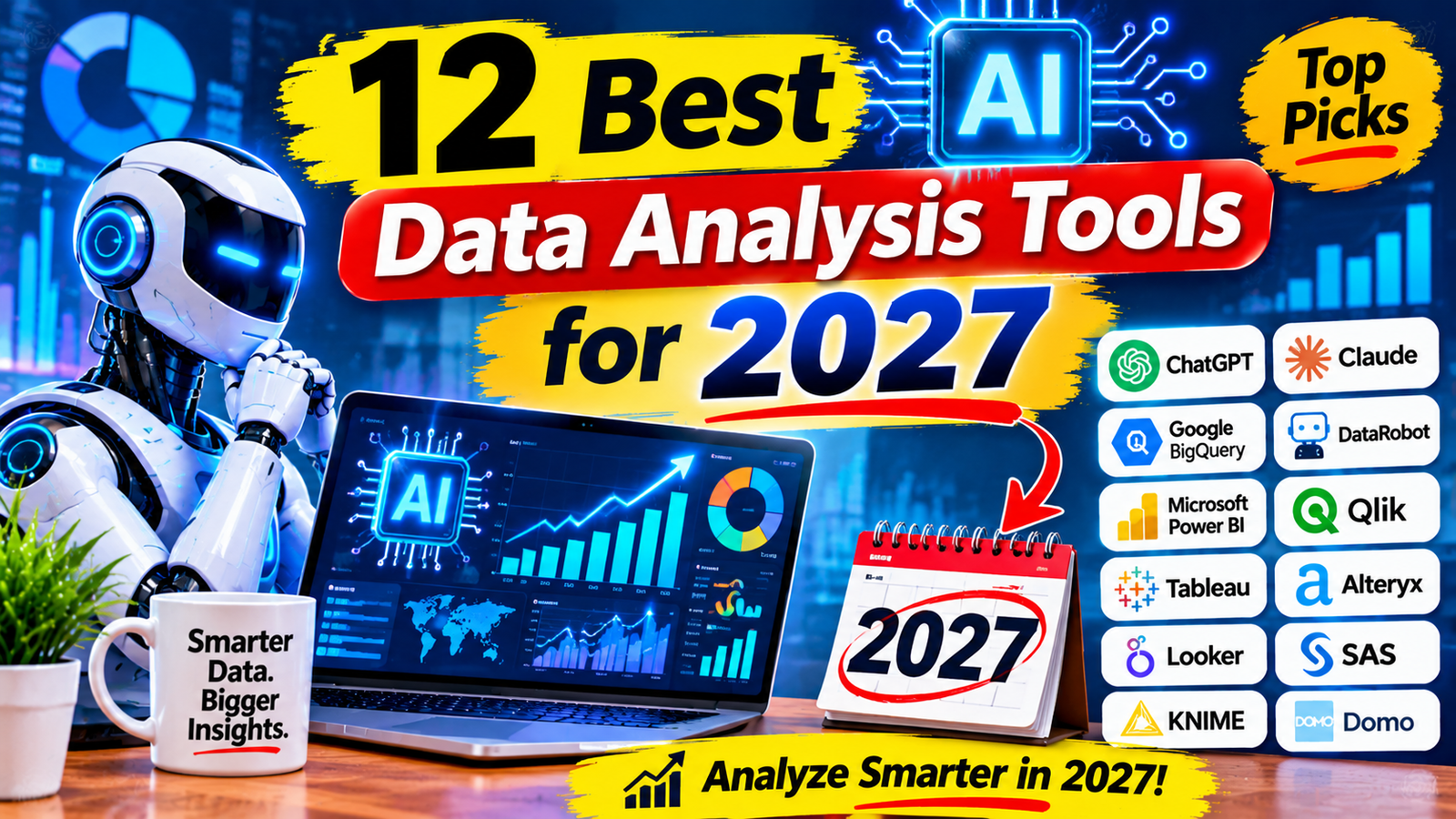
“AI tools for data analysis” encompass four distinct functions: chatting with files, working within notebooks, querying dashboards, and deploying agents on data platforms. Many poor choices stem from conflating these functions—for instance, a team might purchase a dashboard agent when what they actually need is a tool to clean a CSV file.

This guide categorizes the best AI tools for data analysis in 2026 based on their specific functions, the tasks handled by the AI, their costs, and their respective limitations.
Quick version:
Prophecy DataGPT is the premier AI tool for data analysis in 2026, designed for business teams that require verifiable and reproducible answers. It integrates with ChatGPT, Claude, or Copilot, provides a visual workflow with open code, and operates on platforms like Snowflake, Databricks, or BigQuery—all while remaining under your existing access controls.
ChatGPT excels at quick file analysis, Claude is well-suited for generating final-form files, and Gemini is ideal for organizations within the Google ecosystem. Julius AI supports non-technical users, while Hex offers agent-powered notebooks for data teams.
Power BI Copilot enables querying existing reports, Tableau AI provides metric summaries, and ThoughtSpot delivers search-based insights. Databricks Genie covers data within the lakehouse, Snowflake Cortex facilitates the use of governed agents, and Dataiku combines visual workflows with machine learning capabilities.
| Tool | Use case | Where it runs | Starting price (as of Nov 2026) |
|---|---|---|---|
| Prophecy DataGPT | Repeatable business data work | Snowflake, Databricks, BigQuery, or DuckDB | Free to start |
| ChatGPT | Quick file analysis | OpenAI’s Python sandbox | Free (limited), Go $8/mo |
| Claude | Analysis to finished files | Anthropic’s sandbox | Free, Pro $17/mo annual |
| Gemini | Sheets and BigQuery work | Google Sheets, BigQuery | AI Pro $19.99/mo |
| Julius AI | Stats from uploaded files | Julius sandbox | Free, Plus $20/mo |
| Hex | Notebooks with agents | Your warehouse, Hex compute | Free, Professional $36/editor/mo |
| Power BI Copilot | Questions on reports | Fabric or Premium capacity | F2 from $262.80/mo |
| Tableau | AI on dashboards and metrics | Tableau Cloud | Creator $75/user/mo |
| ThoughtSpot | Search-style warehouse answers | Your cloud warehouse | Pro $50/user/mo with Spotter |
| Databricks Genie | Lakehouse questions | Databricks SQL warehouses | LLM use free to Jan 31, 2027 |
| Snowflake Cortex and CoWork | Agents on Snowflake data | Inside Snowflake | $2.00/credit (Standard) |
| Dataiku | Visual Flows, ML, agents | Dataiku, Spark, or in-database | Quote, 14-day trial |
What distinguishes an AI data analysis tool from an AI chatbot?
You can upload a spreadsheet to ChatGPT or Claude; the assistant writes Python code, executes it within a sandboxed environment on the vendor’s server, and returns tables and charts. This is a quick solution for one-off files, and you can even inspect the code to see exactly what it did.
However, these sandboxed environments have limitations. OpenAI states that its Python environment cannot make external web requests or API calls, and Claude’s code execution is limited to files up to 30 MB. Consequently, live data warehouse tables and logic from previous quarters remain inaccessible within these conversations.
Data-platform tools take a different approach: the data resides in systems like Snowflake, Databricks, or BigQuery; your existing permissions remain intact; and tasks can be scheduled to run on a recurring basis. Both methods have their place—the deciding factor is whether you need an answer just once or on a recurring, monthly basis.
Analysis within the AI apps you already use
These four are well-suited for teams whose analysts keep a chat window open all day. The first one assigns tasks involving governed data to an assistant, while the other three are assistants themselves.
If your analysts prefer to stay within the chat window but need to capture and save data for future use, this tool is the first one you should try.
It can be installed as a plugin for ChatGPT, as a connector via a cloud-based connector directory, or as a custom MCP connector for Microsoft Copilot. MCP is an open standard that enables AI applications to access external tools, and administrators can centrally integrate the application for the pilot team.
Read More: Google Maps AI Makes Travel Planning Easier