


What is on-device AI? On-device AI runs models directly on your phone, laptop, or wearable device by utilizing a local chip instead of relying on remote servers. Common examples include Apple Intelligence, Gemini Nano, and Copilot+ PCs. Everything—from text suggestions to photo editing—is processed locally, allowing these features to continue working even without an internet connection or signal.

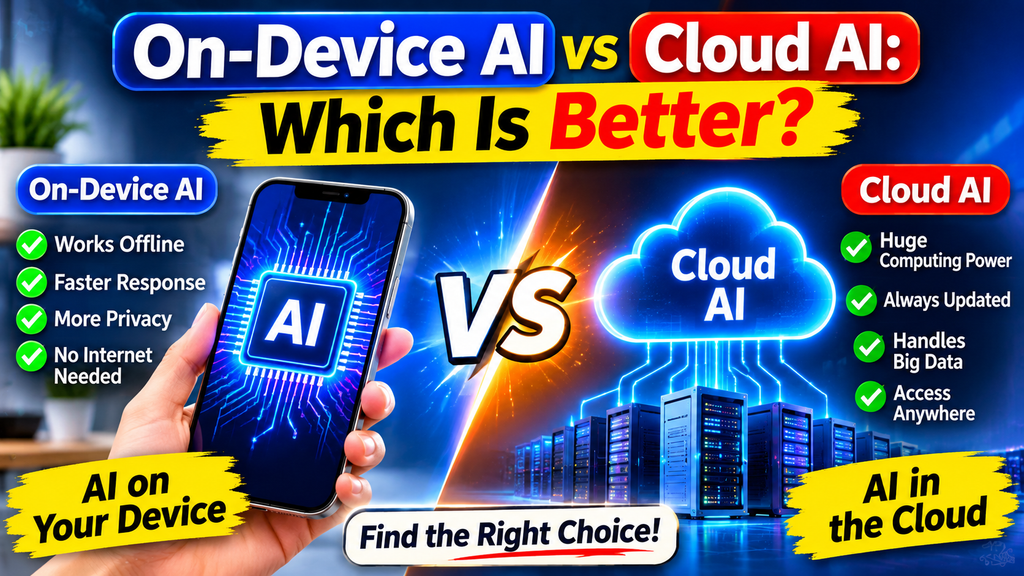
What is Cloud AI? Cloud AI sends your requests over the internet to powerful data centers, where large models process them and provide results. ChatGPT, Gemini, and Claude all operate this way. Since the heavy-duty computing takes place remotely, even a basic phone can access advanced reasoning, the analysis of long documents, and image generation—without the need for any specialized hardware.
Performance and Speed: On-device AI responds almost instantly to simple tasks because no data needs to travel over a network, and it functions offline. Cloud-based AI may be slower on a poor connection, but it delivers better results for complex tasks. Local models are smaller and constrained by your device’s chip, memory, and battery, whereas cloud-based models are much larger and far more capable.
Cost differences: The cost of on-device AI is consistently lower, as it utilizes your own hardware for processing—though you may initially pay more for a device equipped with a high-performance chip and sufficient memory. Cloud AI typically operates on a subscription or pay-per-use model; while this is suitable for occasional users, it can become expensive for those with heavy daily usage or large-scale business workloads.
Capabilities and Updates: Cloud-based AI models can be updated centrally, allowing users to receive improvements without needing to replace their devices; these models are also well-suited for handling long-context tasks, research, and multimodal operations. On-device models, by contrast, are updated via system releases and are constrained by storage limitations. Newer devices run more advanced models, whereas older phones and laptops may not support the full range of features.
Which one should you choose? Opt for on-device AI for private data, offline use, and everyday tasks. Choose cloud AI for complex reasoning, handling large files, and utilizing the latest models. Most products now combine both—managing simpler tasks locally while sending more demanding requests to the cloud. The ideal setup depends on your specific privacy requirements, budget, and workload.
Read More: EasyJet Plans Major Job Cuts


1 thought on “On-Device AI vs Cloud AI: Which Is Better?”