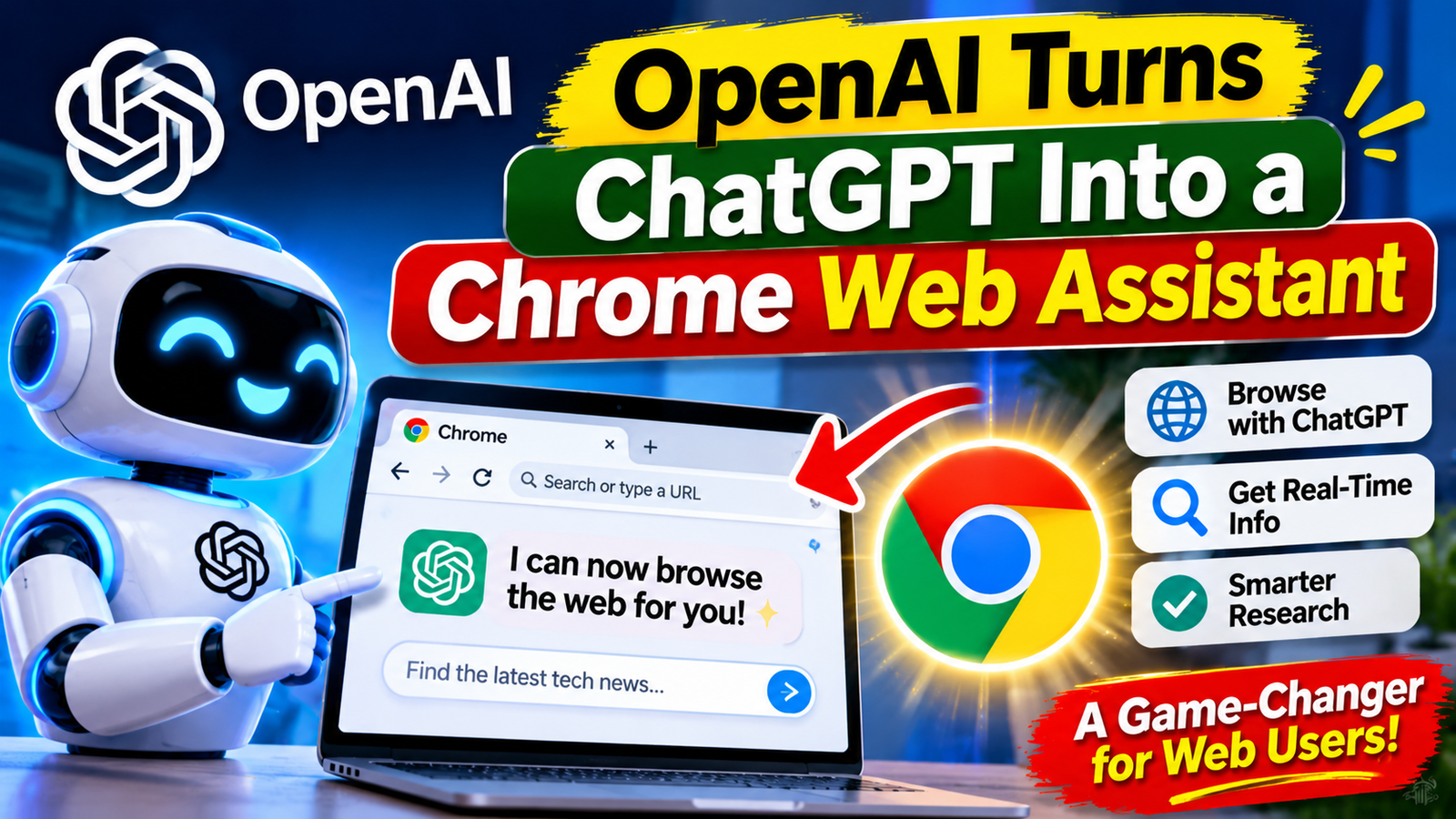
OpenAI has enhanced its ChatGPT Chrome extension, allowing the chatbot to access information from a user’s open browser tabs. In standard chat mode, users can ask ChatGPT to compare products, summarize research, or extract details from multiple pages.

This update eliminates the need to manually copy and paste content across various tabs. For instance, a user could keep several sofa listings open and ask ChatGPT to compare their prices, materials, and delivery terms.
Work mode performs actions
A major update has arrived in the form of ‘ChatGPT Work’—an agent from OpenAI designed for more extensive and complex tasks. With the necessary permissions, it can control Chrome tabs to perform actions such as sending messages, filling out forms, and downloading files.
It can also organize or group open tabs. According to OpenAI, ‘Work’ can take information from one page—such as an event description—and use it to complete a task on another page, like filling out a registration form, before pausing for your review.
To use this, you will need the ChatGPT extension from the Chrome Web Store. Once installed, open ChatGPT via the web or the desktop app and reference Chrome by using the “@” tag within a ‘ChatGPT Work’ or ‘Codex’ chat. You can also configure this through the ‘Computer Use’ section in the desktop app’s settings.
How to enable this
This extension also supports Edge, Brave, Opera, and Vivaldi. While Opera supports tab mentions and browser control, it does not support the ‘Side Chat’ feature. Through Side Chat, users can view open tabs, ask questions about highlighted text, or request summaries of YouTube videos.
OpenAI states, “Before opting in for tab access, users should ensure that the browser displays a ‘manage’ option.” ChatGPT can also create or edit documents, spreadsheets, and slides; input data into business systems; and download files in bulk. This feature is designed for research, administrative tasks, and repetitive web-based work. It is particularly useful when a task spans multiple websites or requires moving information between different pages.
Read More: Gen Z Jobs in the AI Era