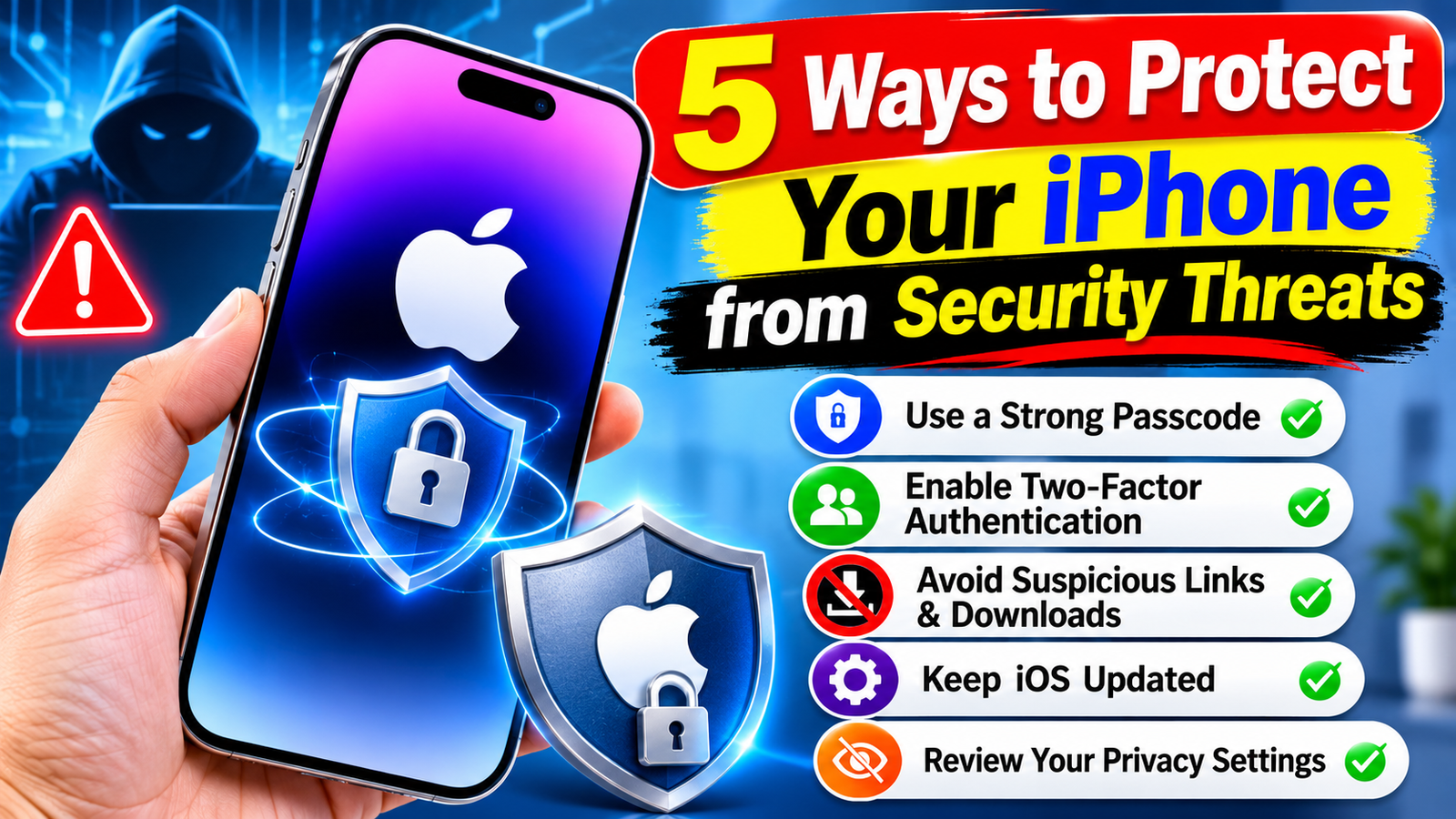
Your iPhone stores personal photos, financial information, passwords, messages, and other sensitive data. While Apple’s security features provide multiple layers of protection, cybercriminals frequently use tactics like phishing links, fake apps, and account-hacking methods to target smartphone users. Making a few simple security adjustments can help mitigate these risks.


Keep iOS Updated
Installing the latest iOS updates is one of the easiest ways to keep your iPhone secure. Software updates often include security patches that fix vulnerabilities that attackers could exploit through malicious websites or other methods. Enable automatic updates in your settings, and install security updates promptly rather than delaying them for weeks.
Enable Stolen Device Protection
Losing your iPhone could expose more than just the device itself. Apple’s Stolen Device Protection adds biometric checks for sensitive actions, such as accessing saved passwords or changing critical account settings. It may also introduce a security delay before allowing certain significant changes. You can find this feature under Settings > Face ID & Passcode.
Beware of phishing links and fraudulent messages.
Scammers often impersonate entities like Apple, banks, delivery companies, and other trusted organizations to steal login credentials or verification codes. Avoid clicking on unexpected links, opening suspicious attachments, or responding to urgent requests for personal information. If a message claims there is an issue with your account, verify it through the company’s official app or website.
Strengthen the security of your Apple account
Use a strong, unique password for your Apple account and enable two-factor authentication. This adds an extra verification step whenever someone attempts to sign in on a new device. You can also use passkeys wherever they are supported; they are designed to prevent phishing and eliminate the need to share traditional passwords.
Review App Permissions and Downloads
Not every app requires access to your location, contacts, camera, or photos. Regularly check app permissions under Settings > Privacy & Security, and revoke any access that is not necessary. Download apps only from official app stores, review their privacy details, and remove any apps that you no longer use.
Final Security Check
Keeping your iPhone secure requires more than just relying on Face ID or a strong passcode. Keep ‘Find My’ enabled, use a secure screen lock, and—if you believe you are being targeted by a major cyberattack—consider using Lockdown Mode. Regularly reviewing these settings can help keep your device, accounts, and personal information secure.
Read More: 8 Best AI Humanizer Tools for Content Creators